Was sind Google Workspace Flows? (Video-Erklärung)
Kurze Erklärung zu Google Workspace Flows / Studio: KI-Automatisierung in Gmail, Drive, Kalender und Sheets ohne alles von Grund auf zu bauen.
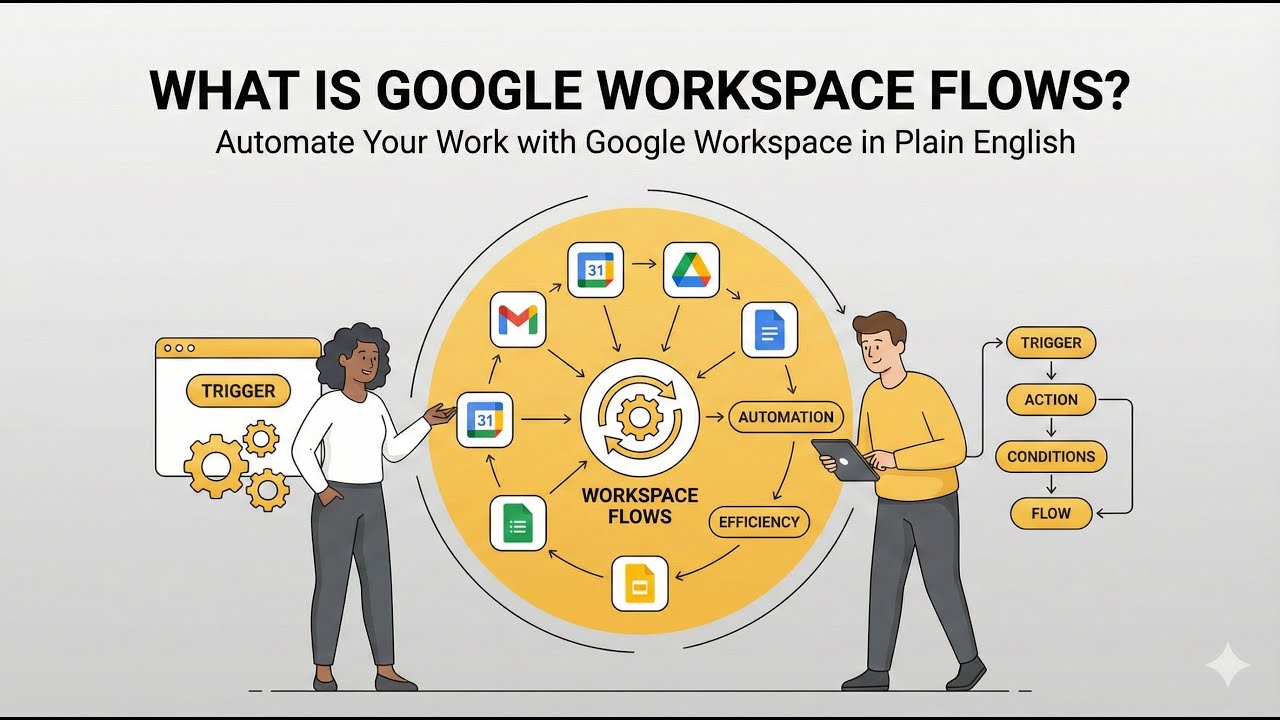
Was sind Google Workspace Flows? (Video-Erklärung)
Wichtigste Erkenntnisse
- Google Workspace Flows (heute Studio) bringt KI-Automatisierung in Google-Apps.
- Häufige Aufgaben in Gmail, Drive, Kalender und Sheets lassen sich ohne Eigenbau automatisieren.
- Sinnvoll, wenn Ihr Stack bereits in Google Workspace liegt.
Verwandter Leitfaden
Google Workspace Studio LeitfadenVollständiges TranskriptAnzeigen
Aus Auto-Untertiteln bearbeitet und lesbar gemacht. Entspricht dem Gesprochenen im Video.
Das Transkript stammt aus den YouTube-Untertiteln und wurde für die Lesbarkeit in Absätze gegliedert.
You don't need n for all things especially if you are using Google because Google has its own AI agents platform and it's even easier than ever to integrate automations. So I don't advise to always build an end solutions. Obviously, I do that for a living, but sometimes it's better to just know the right tools to use and use the the automation or the product which is already built.
And so, for example, here you can see Google has this agent workflow and you can integrate it with your current Google workspace. So, it's optimized obviously for for Gmail, for Google Drive and so on. And these out ofthe-box automations are actually what most people want on a daily basis. So you can get premeating briefs, you can get summaries and action items. There's also one thing about like Google Drive recordings.
And you can see all of these different categories. Auto request team updates weekly. Auto create task when I'm send action items and then there's customer connections so this integrated with Salesforce or it's integrated with a Google sheet and you can also see here everyday essentials like for example if you go into here get AI news briefs daily you can click on it and then you could set a schedule so this is the how it looks like on schedule it will do the task it will ask Gemini for news so here's the prompt which is used it says the date and time is and then it's inserted and give me quick update as I start my workday keep the updates locked to just what happened in the last one day and then context I'm interested in Google Workspace AI trends now this is Google you're trying to shill I'm interested in AI and productivity tools.
, and then the instructions are just a little bit about how to structure the output and what to use and what not to use. But yeah, you can get creative. You can create your own prompt here. So after this you will be you will get an email sent to you and that's it. So these automations are already set up. You don't need to do anything.
You can just press test run to see how it works. Now we can wait a little bit. It says, "Good morning, Kevin. , looks like the news cycle has been a bit slow on the AI and productivity front in the last 24 hours. Of course, you can extend it to u longer than 24 hours. , so this is basically the link the AI found and we prompted it to always include a a link to the original source so we can look it up.
, but yeah, this that's basically how the how it works. Then we can press turn on. And obviously since I'm already in the workspace, I don't need to handle API requests and authentication and whatnot. I can literally just turn them on. So yeah, I think this is if you're working in the Google Workspace, this is amazing and yeah, you should probably try it out and use it.
All right, that's the video I wanted to make. So have a great day and see you. Bye-bye.
Auf YouTube ansehen: https://www.youtube.com/watch?v=h25cpAwH-Gk